
Seedance 2.5 AI Video Generator
Create coherent 1-30 second campaign and story videos on Happy Horse with multimodal references, synchronized audio, and precise direction.
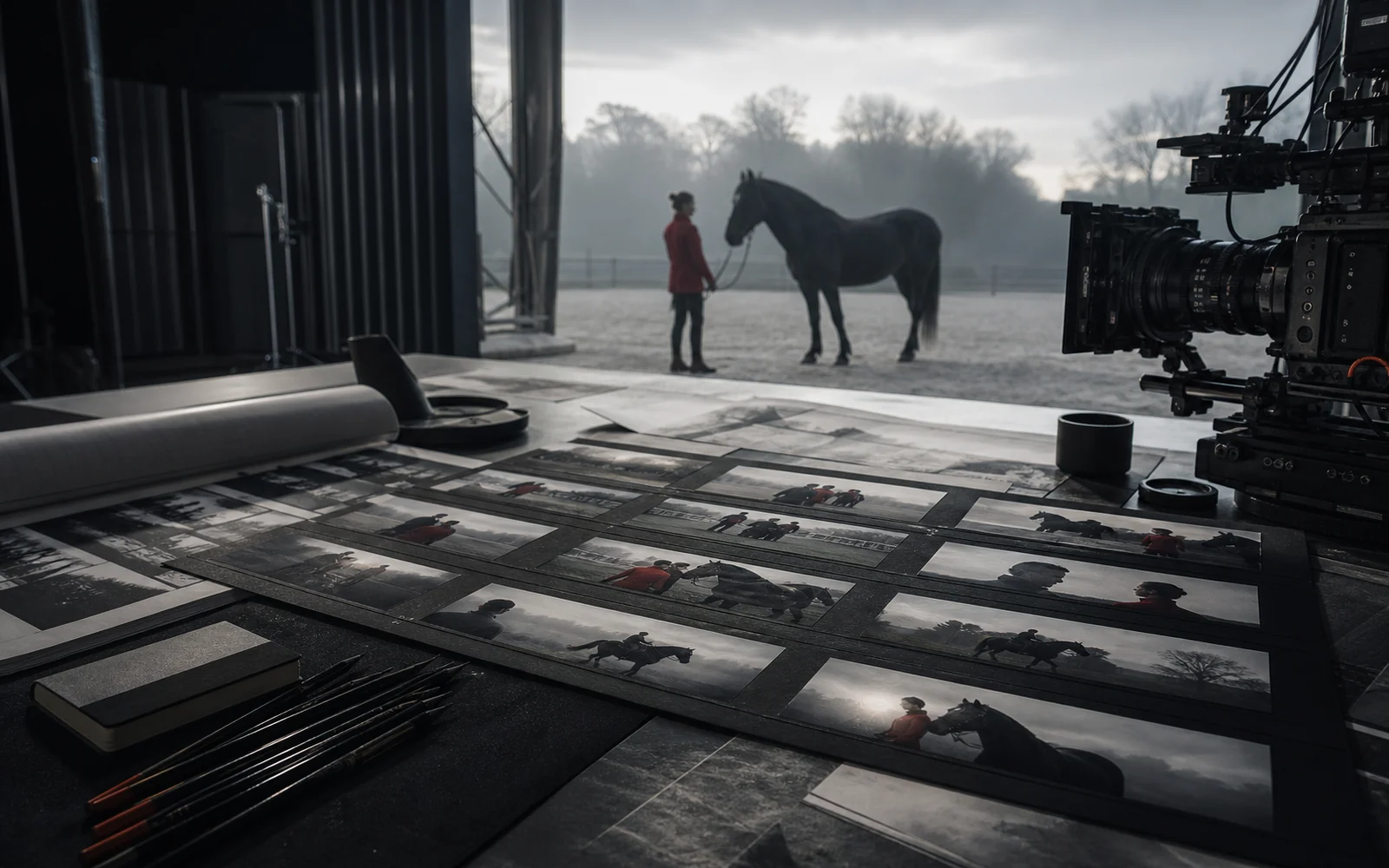
Current access at a glance
- Output resolution
- 480p-1080p
- Clip duration
- 1-30s
- Aspect ratios
- 7
- Images, videos, audio
- 30 + 3 + 3
My Videos
From Seedance 2.0 to 2.5
Seedance 2.5 develops the unified audio-video foundation of 2.0 into a longer, more controllable production workflow.
| From Seedance 2.0 to 2.5 | Seedance 2.5 | Seedance 2.0 |
|---|---|---|
| Single generation | Up to 30 seconds | Up to 15 seconds |
| Story structure | Connected shots with setup, development, and resolution | A foundation for shorter clip creation |
| Reference understanding | Stronger control across subjects, scenes, motion, and sound | Unified multimodal reference foundation |
| Editing direction | Time-range instructions and more targeted changes | Earlier generation and reference workflow |
Direct the whole sequence
The official model focuses on longer storytelling, richer references, and targeted edits across a connected audio-video sequence.
These are official model capabilities. The generator above does not expose separate timeline, green-screen, or camera-control switches.
Long-form storytelling
Organize multiple connected shots inside a 30-second generation while preserving subjects, setting, pacing, and sound.
Multimodal reference
Guide composition, characters, props, motion, voices, and visual language with image, video, and audio references.
Timestamp-based editing
The official model can follow time ranges for targeted changes to actions, shots, and audio-video content.
Production-oriented control
Official scenarios include green-screen editing, camera perspective changes, clay renders, and performance blocking.
Built for stories that need direction
Move from commercial concepts to learning and industrial communication with one consistent creative brief.
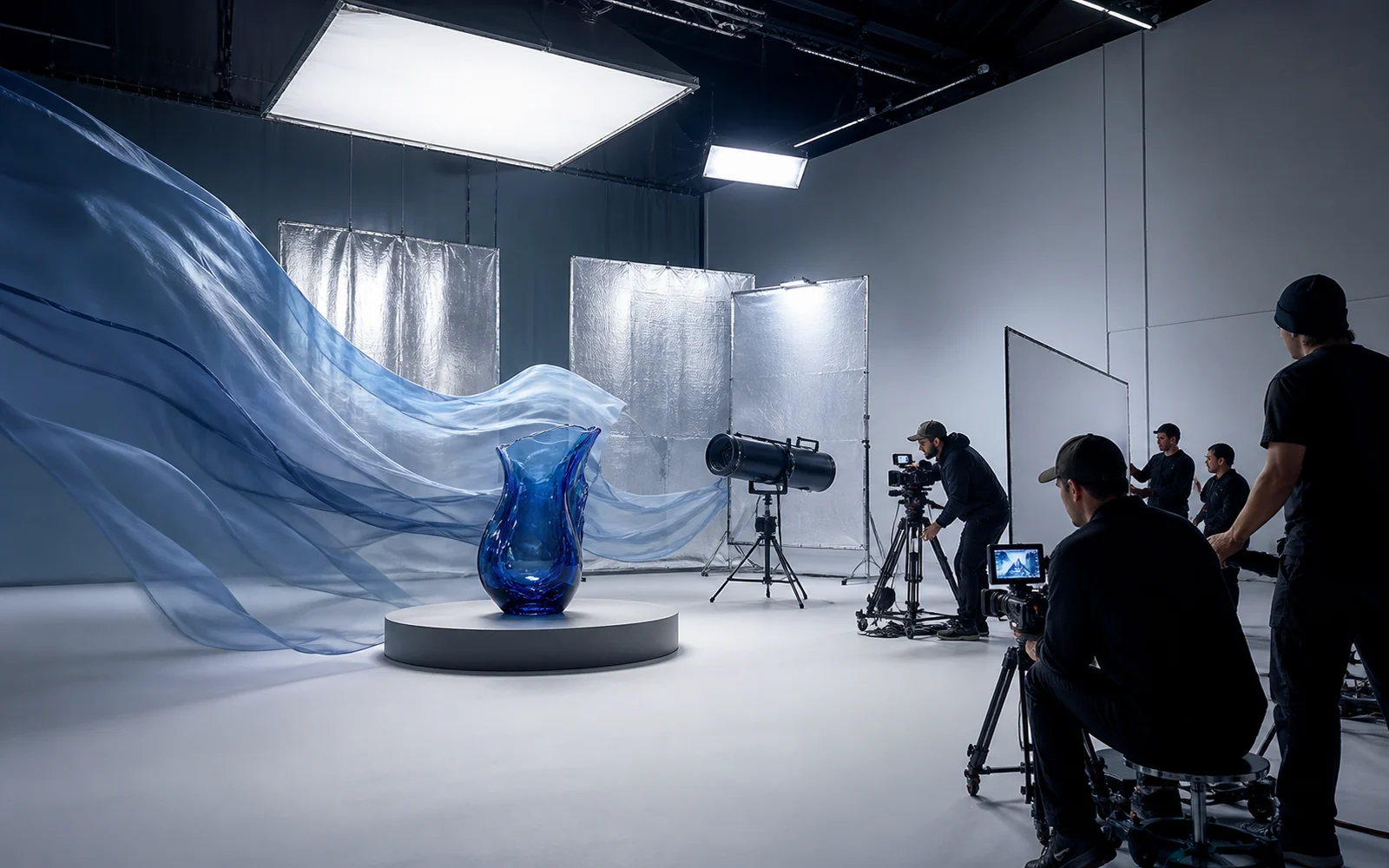
Commercial production
Plan product, character, camera, and sound references for connected campaign scenes.
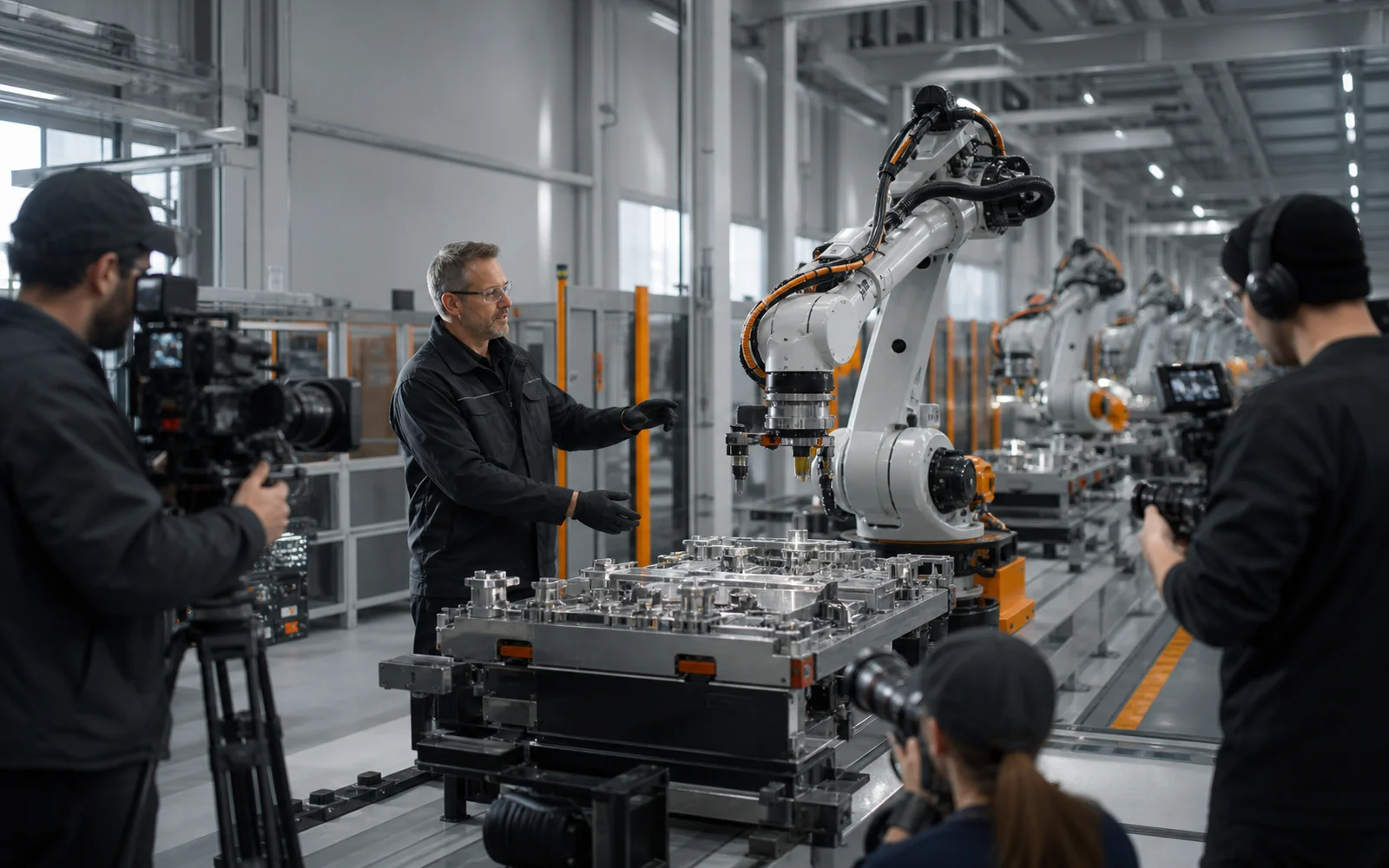
Industrial training
Visualize assembly order, equipment movement, and process demonstrations for training workflows.
Education and explanation
Turn historical events, scientific ideas, and procedures into structured visual lessons.
Shape the video in four moves
Start with the story, organize the references, set the output, then review the result as one complete sequence.
Frame the story
Describe the subject, action, setting, sound, and sequence of shots in the prompt.
Attach references
Add only the images, videos, and audio files that clarify identity, motion, composition, or sound.
Set the delivery
Choose duration, resolution, aspect ratio, output format, and optional generation settings.
Generate and review
Create the clip, inspect continuity and timing, then refine the brief for the next version.
Current integration specifications
These values describe the controls and upload limits available in the generator on this page.
Output
- 480p, 720p, or 1080p
- 1-30 seconds per clip
- 7 aspect ratios: 16:9, 4:3, 1:1, 3:4, 9:16, 21:9, or adaptive
- MP4 or MOV
References
- Up to 30 images
- Up to 3 videos, 30 seconds total
- Up to 3 audio files, 30 seconds total
Options
- Generate audio with the video
- Enable web search
- Optionally return the last frame
Seedance 2.5 questions
Clear answers about the model and the current generator experience.
Seedance 2.5 is ByteDance Seed's joint audio-video generation model for 30-second storytelling, multimodal reference control, and targeted editing.
The current generator accepts durations from 1 to 30 seconds for each clip.
You can use up to 30 images, 3 videos, and 3 audio files. Reference videos and reference audio each have a combined 30-second limit.
Choose 480p, 720p, or 1080p, one of 7 aspect-ratio options, and MP4 or MOV output.
Yes. The current integration includes options to generate audio, enable web search, and return the last frame.
No. ByteDance describes them as official model capabilities and scenarios, but this page does not expose dedicated timeline, green-screen, or camera-control switches.
Continue with another model
Compare an earlier Seedance workflow or move to other focused video and image generators.
Turn the brief into a complete take
Bring your references, choose the delivery settings, and start a Seedance 2.5 generation.