Nano Banana Pro vs Nano Banana 2: choose the right image engine for the work
Both models combine image generation, editing, world knowledge, readable text, reference handling and production-ready resolution. The practical difference is operating emphasis. Nano Banana Pro is built for professional asset production and complex instructions, while Nano Banana 2 brings a broad set of advanced capabilities into a faster Flash workflow for iteration at scale.
A useful choice starts with the approval risk, iteration volume and final delivery standard, not with a single showcase image.
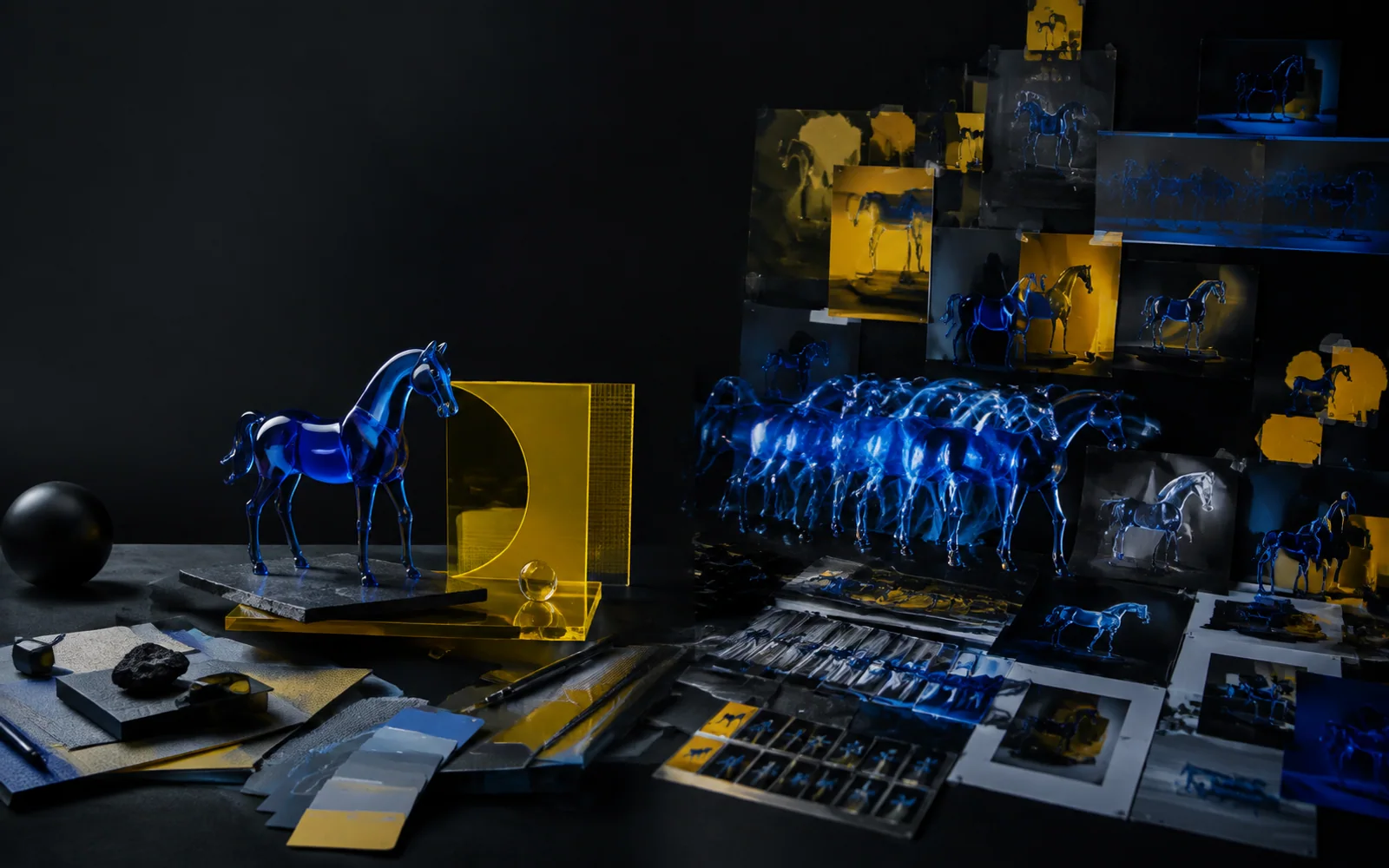
The decision in four signals
Choose the model that removes the largest bottleneck in your production chain. A campaign team polishing one high-stakes master visual has a different cost structure from a growth team testing dozens of directions before lunch.
Pro favors deliberate control
Use Nano Banana Pro when complex composition, nuanced instruction following, localized edits, camera choices, lighting and final-detail review carry more weight than raw iteration speed.
Nano Banana 2 favors rapid throughput
Use Nano Banana 2 when teams need to explore, revise and localize many credible options quickly while retaining strong text, reference and 4K-capable output controls.
Approval cost changes the answer
If a missed label, product angle or hierarchy triggers another review cycle, a slower but more deliberate master-asset pass can be cheaper than generating more candidates.
Many teams should use both
A practical hybrid pipeline uses Nano Banana 2 to map the option space, then assigns only the selected high-value frames to Nano Banana Pro for concentrated refinement.
Two advanced image models, two production postures
This is not a simple quality ladder. Google positions Nano Banana 2 as the versatile generalist that balances intelligence, cost and latency, and Nano Banana Pro as the premium choice for professional assets and demanding instructions. Both can generate and edit images, handle text, use world knowledge and work across multiple output formats.
What Nano Banana Pro is for
Nano Banana Pro, also identified as Gemini 3 Pro Image, is designed for jobs where the image must survive close review. Its default thinking process can refine a composition before rendering, and its professional controls are suited to intricate briefs, grounded visual explanations, brand-sensitive layouts, precise local changes and final assets up to 4K. The useful value proposition is reduced ambiguity at the expensive end of production.
What Nano Banana 2 is for
Nano Banana 2, also identified as Gemini 3.1 Flash Image, is designed as an all-around production workhorse. It brings faster advanced editing, strong world knowledge, improved multilingual text, subject consistency, wider aspect-ratio choices and resolutions from efficient draft sizes through 4K. Its value proposition is to keep quality high enough for serious work while making exploration and repeated revision operationally easier.
The best model is the one matched to the current stage. Early exploration rewards breadth and speed. Finalization rewards control, verification and selective attention. Treating every image as the same class of task wastes either time or quality.
Where their capabilities overlap, and where the emphasis changes
Feature checklists alone can make the models look interchangeable. The more useful comparison asks how each capability behaves inside a real review cycle, where reference preparation, prompt complexity, revision count and downstream handoff matter as much as the first output.
Complex brief interpretation
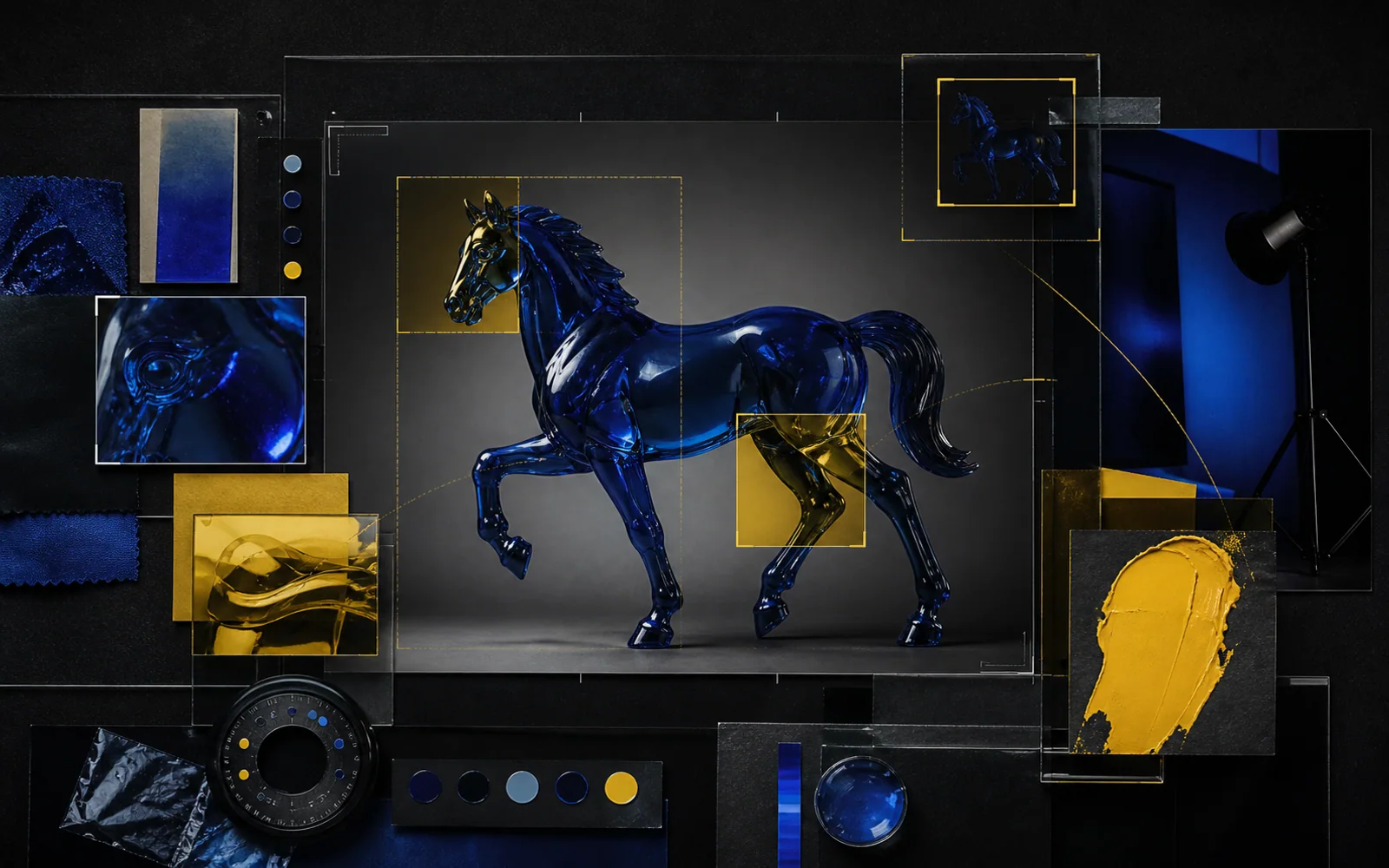
Pro is the stronger fit when a prompt contains many dependent constraints, such as a fixed product silhouette, exact camera intent, layered visual hierarchy, material behavior, environmental context and a controlled text region. Its reasoning posture supports deliberate composition before the final render.
Precision editing and art direction
Localized changes, focus, camera angle, color grading and lighting are valuable when an approved frame should evolve without losing its core. This matters for campaign masters, packaging studies, key art and other assets where uncontrolled change creates review debt.
Information-rich final assets
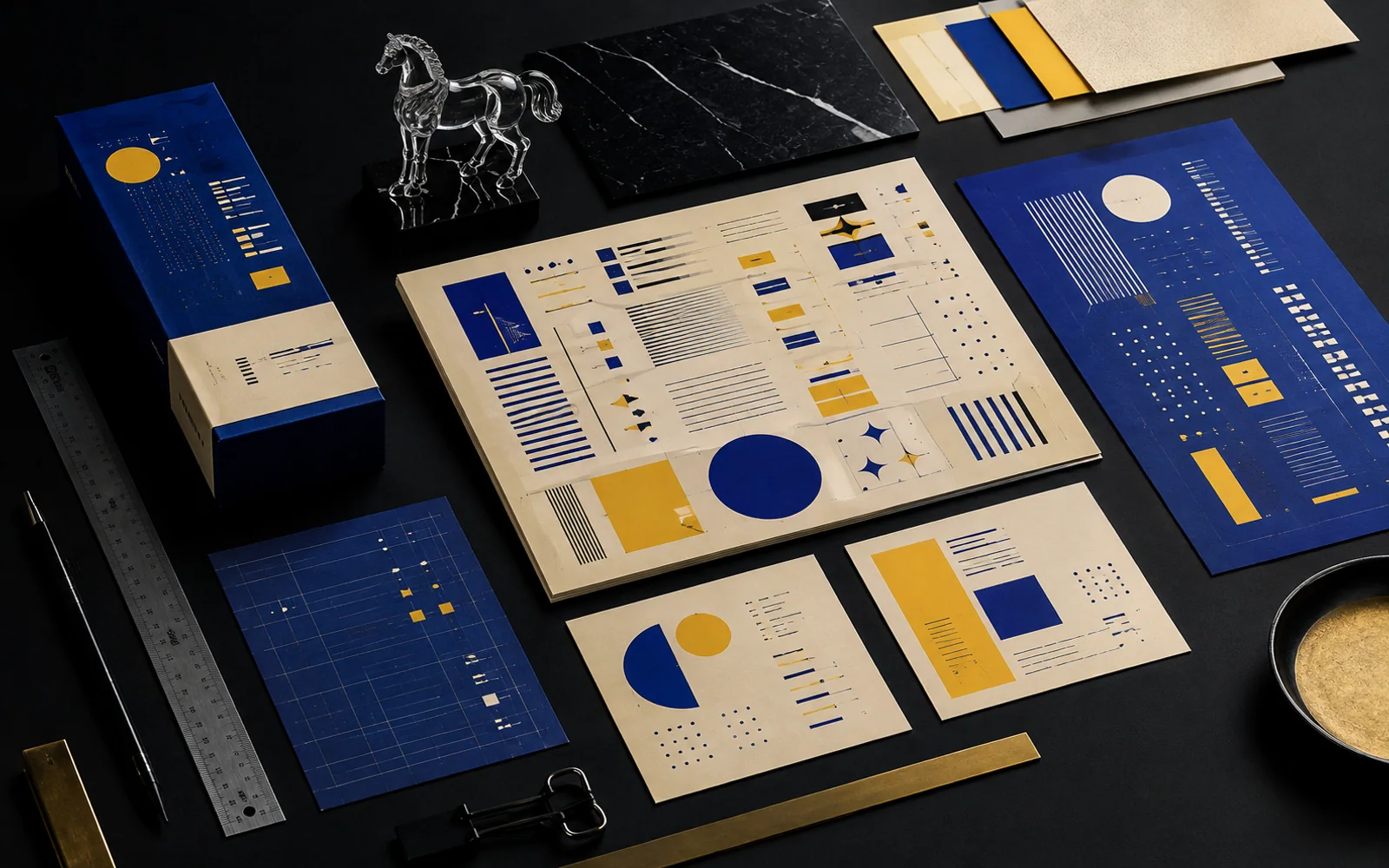
Advanced text rendering, multilingual reasoning and real-world grounding make Pro relevant for posters, diagrams, infographics and explanatory visuals. Small copy and factual layouts still require human proofreading, but the model is oriented toward polished, communicative outputs rather than decorative imagery alone.
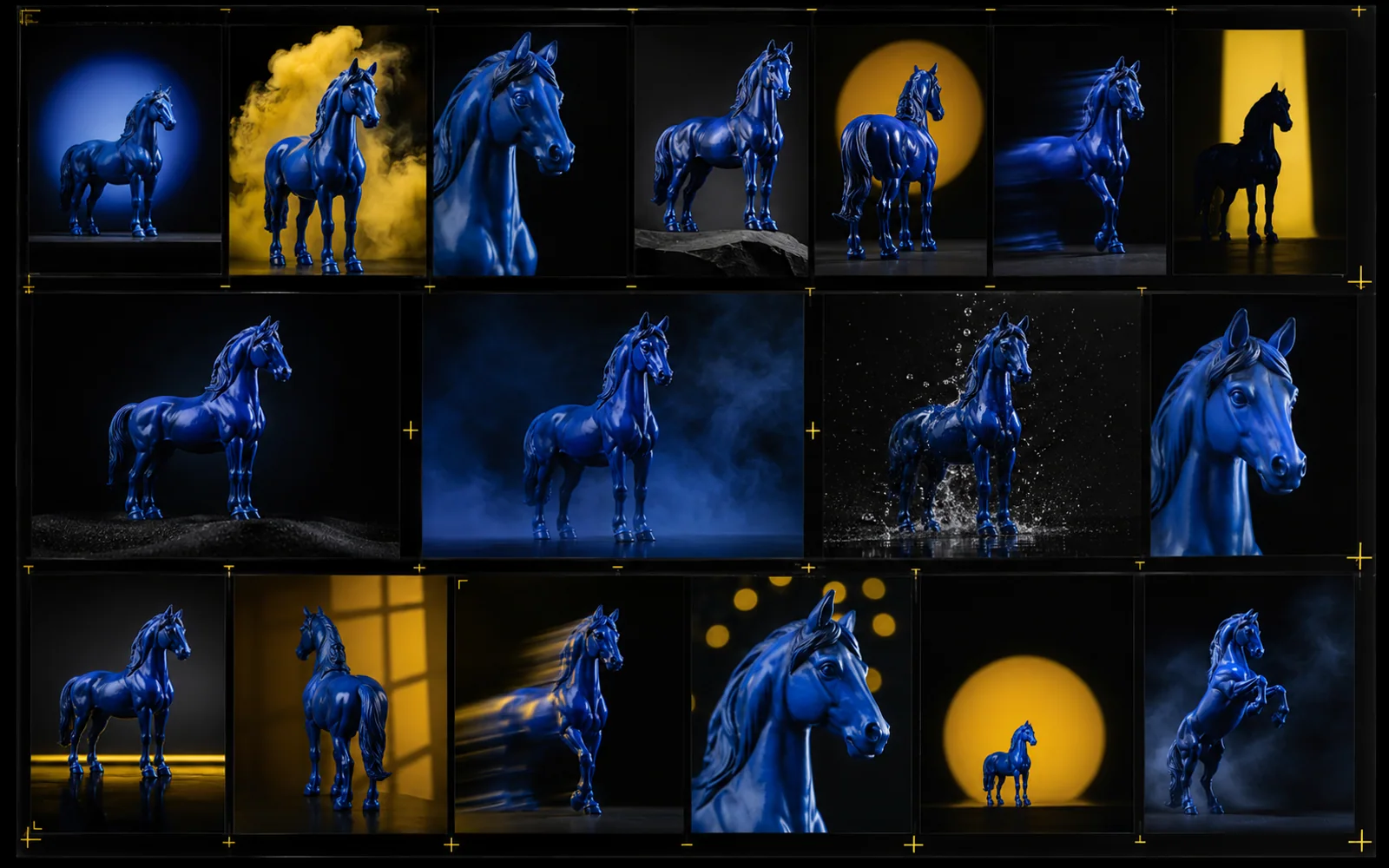
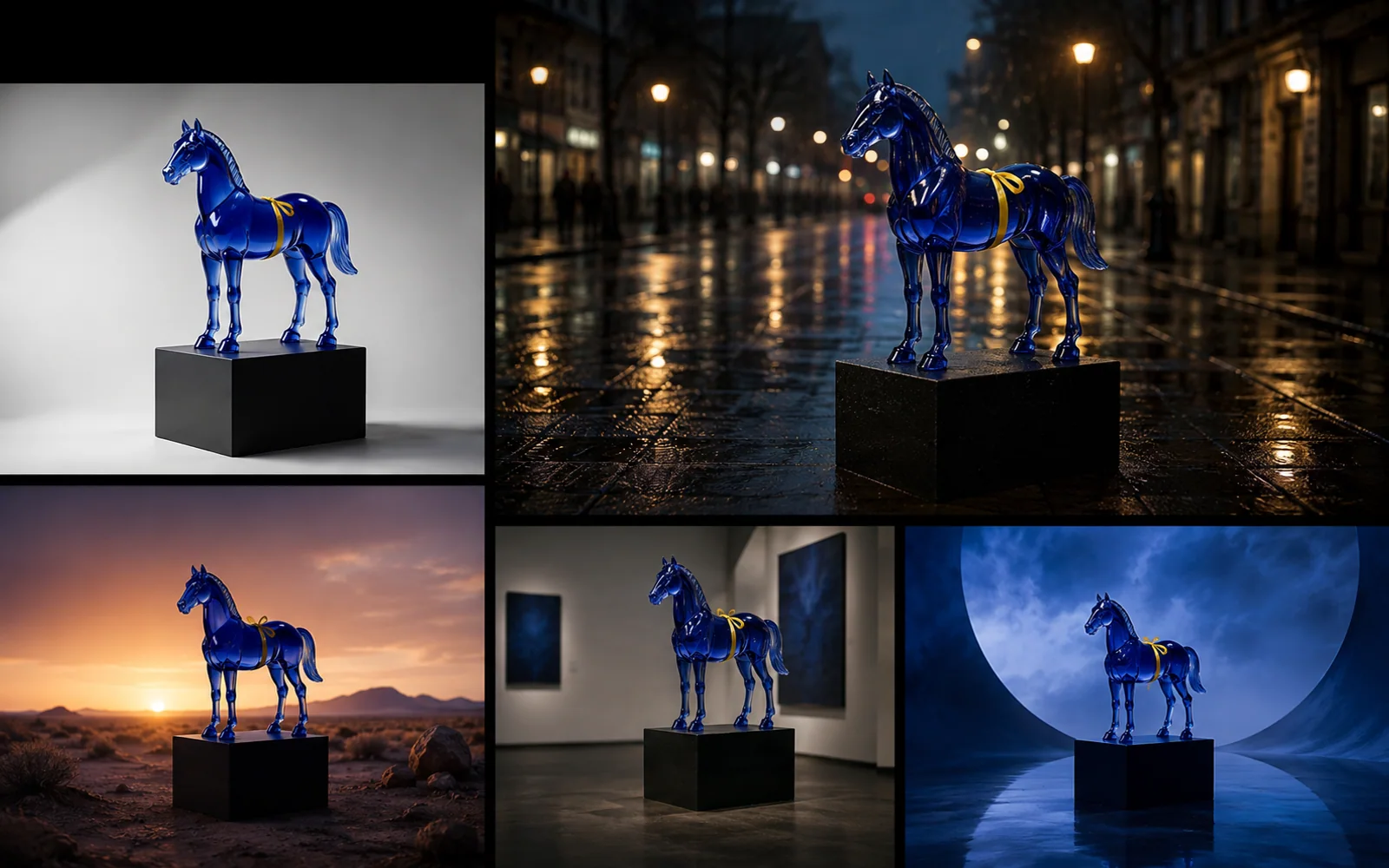
Fast iteration without a basic-tool ceiling
Nano Banana 2 combines Flash speed with capabilities that previously pushed teams toward slower premium passes. It is useful for exploring art direction, testing crops, creating regional variants and moving through feedback while keeping a credible level of detail and instruction adherence.
Flexible formats and resolution planning
Support from 512px through 4K and a broad aspect-ratio set lets teams choose efficiency for drafts and higher resolution for selected deliveries. Extreme horizontal and vertical ratios also make it easier to design for banners, stories, displays and unusual placements without treating crop adaptation as an afterthought.
Consistency at campaign volume
Improved subject consistency, reference processing and multilingual in-image localization support repeated asset families. This is especially useful when one character, product or object system must travel across locations, seasons and formats while a team generates many variants.
Choose by production scenario
The same organization may make a different choice for each assignment. Map the model to the cost of being wrong, the number of options required and the point at which the image enters a larger campaign or motion workflow.
Hero campaign and launch key art
A launch image often carries product truth, visual hierarchy, brand cues and multiple stakeholder approvals. It may later become a landing-page hero, retail poster, presentation cover and motion key frame.
Start with Pro when one controlled master must bear close inspection and support careful revisions.
Start with Nano Banana 2 when the team first needs a wide field of credible concepts, locations and compositions.
Ecommerce and catalog variants
Commerce work mixes repeatability with volume. Teams need clean packshots, lifestyle scenes, seasonal backgrounds, regional formats and fast changes without losing the recognizable product.
Use Pro for the approved master, complex material behavior, difficult compositing and sensitive label regions.
Use Nano Banana 2 for broad variant production, crop adaptation, background exploration and frequent merchandising refreshes.
Social content systems
Social teams need many shapes and messages, but random output quickly erodes campaign identity. A reference-led system should preserve the central subject, palette and visual grammar while allowing fast experimentation.
Use Pro for the visual rulebook, flagship posts and difficult text-led executions.
Use Nano Banana 2 for recurring posts, rapid testing, localization and channel-specific aspect ratios.
Storyboards and motion handoff
Still images become more valuable when they define framing, subject identity, lighting and scene progression clearly enough for a video team or generative motion workflow to continue the idea.
Use Pro for decisive key frames, complex establishing shots and frames with many locked visual constraints.
Use Nano Banana 2 to explore shot coverage, alternate beats and continuity options before the final sequence is selected.
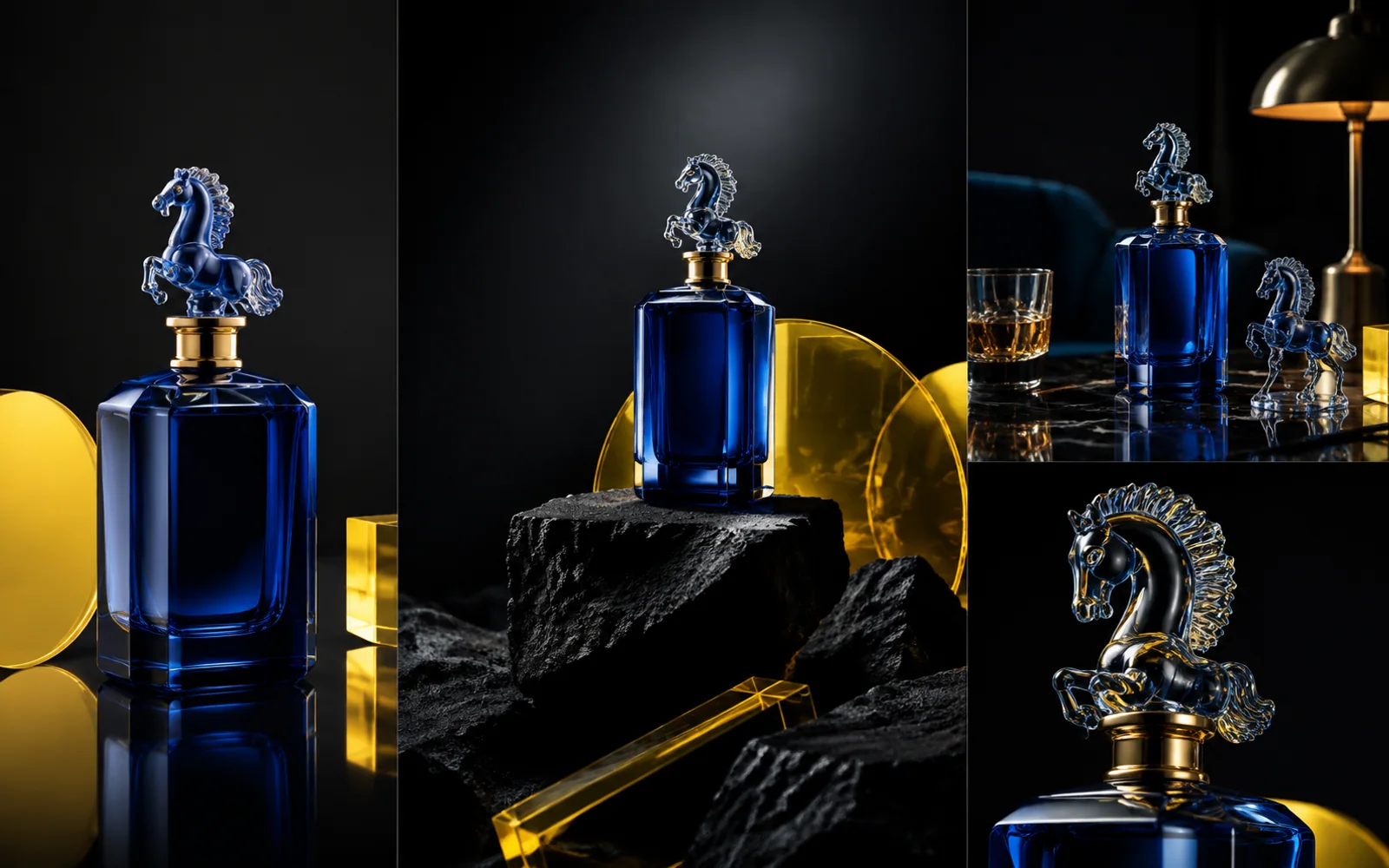
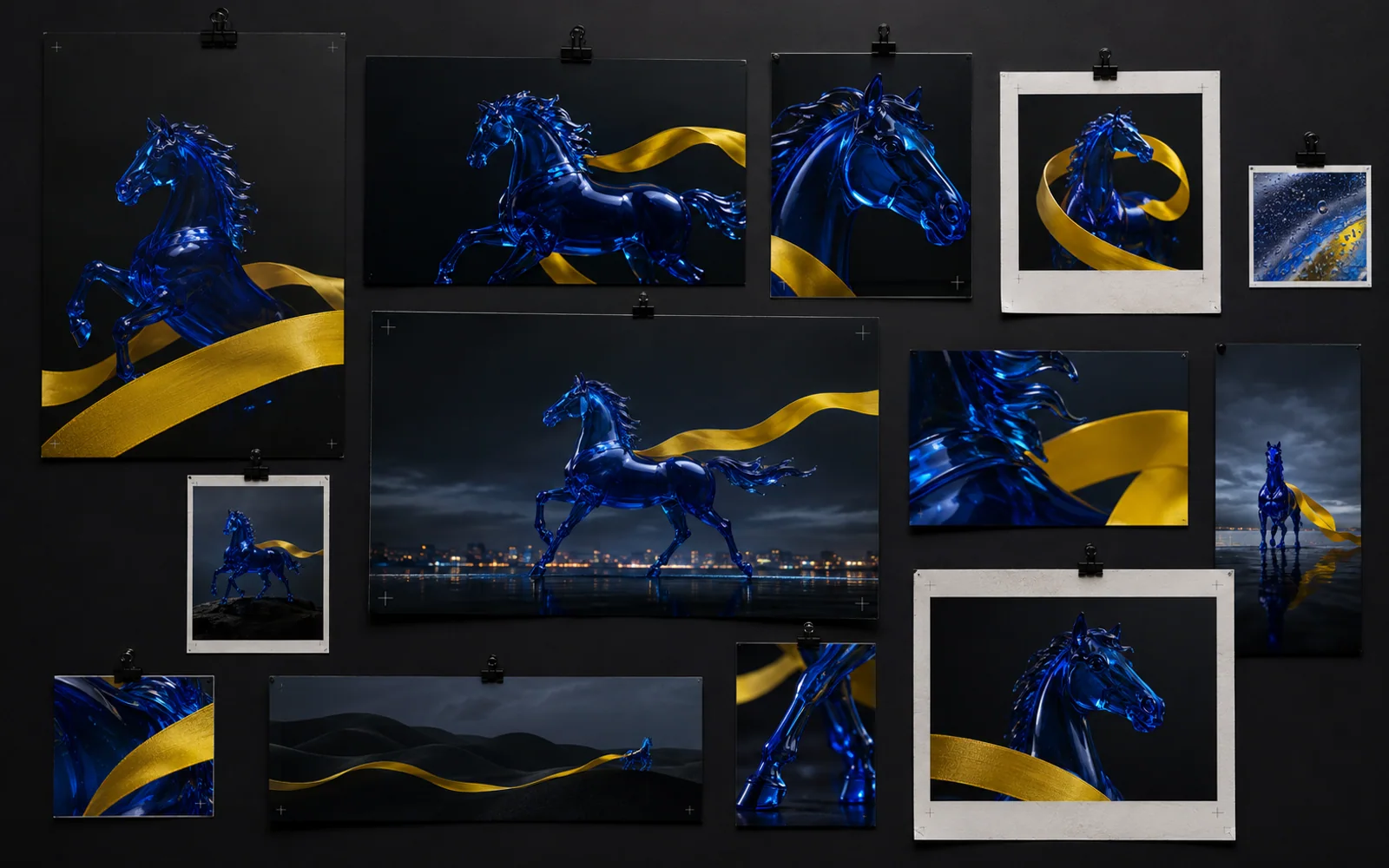
Nano Banana Pro vs Nano Banana 2 capability matrix
This matrix is qualitative. Actual availability, limits and controls vary by product surface and API configuration, so evaluate with your own references and approval criteria before standardizing a pipeline.
| Decision criterion | Nano Banana Pro | Nano Banana 2 | Practical reading |
|---|---|---|---|
| Primary operating goal | Professional asset production under complex instructions and close review. | Versatile generation and editing with a strong balance of intelligence, cost and latency. | Choose by the current stage, not by a permanent team-wide favorite. |
| Iteration rhythm | Best when fewer, more deliberate passes protect an approved direction. | Best when teams need more experiments, edits and localized variants in a shorter cycle. | Volume favors Nano Banana 2; high-cost final review favors Pro. |
| Prompt complexity | Designed for demanding, multi-constraint instructions and nuanced composition planning. | Strong instruction following for general production, including layered prompts and configurable thinking. | Escalate the most constraint-heavy frames to Pro when misses are expensive. |
| Text and localization | Advanced text rendering and multilingual reasoning for polished, information-rich assets. | Improved reliable text rendering and in-image localization for scaled regional production. | Both require proofreading; select by polish requirement and variant volume. |
| Reference consistency | Well suited to carefully controlled brand, product and multi-input compositions. | Strong subject and object consistency for repeated stories and variant families. | Reference quality and preservation instructions often matter more than model switching. |
| Resolution strategy | Professional output up to 4K, with emphasis on final asset quality and detail. | Efficient 512px drafts plus 1K, 2K and 4K options for staged production. | Do not render every experiment at final resolution; raise fidelity after selection. |
| Format coverage | A broad range of aspect ratios for social, presentation, campaign and print-oriented work. | Broad native ratios including extreme panoramic and vertical formats for diverse placements. | Nano Banana 2 is attractive when format exploration is part of the brief. |
| Best pipeline role | Finalizer, precision editor and high-stakes master-asset engine. | Explorer, scalable variant engine and day-to-day generalist. | The strongest workflow often routes tasks between both roles. |

A four-step model selection workflow
Do not choose from a generic benchmark. Build a small test that reflects your real work, preserves review discipline and makes the trade-off visible to creative, marketing and production stakeholders.
Define the non-negotiables
List the subject details, product geometry, required copy, cultural constraints, aspect ratios, output sizes and downstream uses that must survive every version. Separate true constraints from preferences so the model receives a clear hierarchy.
Prepare one shared test pack
Use the same references, prompt structure, negative instructions and acceptance checklist for both models. Include one straightforward frame, one dense composition, one text-led asset and one continuity task so the comparison reflects more than a single aesthetic.
Score the production cost
Record prompt revisions, manual corrections, rejected details, localization fixes and reviewer time. A visually impressive first result can still be expensive if the team cannot reproduce or safely adapt it across the campaign.
Assign roles and escalation rules
Document which tasks begin in Nano Banana 2, which move to Nano Banana Pro, and what triggers escalation. This turns model choice into a repeatable operating system instead of a debate that restarts with every brief.
A clearer value proposition for each buyer
The buying question is not which model sounds more advanced. It is which one protects the scarce resource in your workflow: senior attention, revision time, throughput, consistency or final-output confidence.
Choose Nano Banana Pro when approval risk is expensive
It fits agencies, brand teams, design leads and product marketers working on master assets, intricate layouts, grounded explainers or sensitive edits. Its value is concentrated control where one unresolved detail can block the next department.
Choose Nano Banana 2 when iteration is the product
It fits growth teams, social studios, ecommerce operations and creative technologists producing many formats or localized variants. Its value is high-capability speed that lets teams test more directions without dropping to a basic image tool.
Use a hybrid route when the campaign has stages
Explore widely in Nano Banana 2, narrow with a visible scorecard, refine selected frames in Nano Banana Pro, then prepare stills as clean references for design or motion. This protects both speed and final quality without forcing every task through the costliest path.
Continue with the model that matches the assignment
If you want a dedicated workspace after comparing the operating roles, use the matching localized destination for the model you plan to test.
Open Nano Banana Pro for precision-led professional image work, or explore Nano Banana 2 for faster generation, editing and variant workflows.
Product availability, quotas, pricing and controls can differ by surface. Confirm the current interface and usage terms before committing a production schedule.
Questions teams ask before choosing
These answers focus on workflow design, not on declaring one universal winner.
Not in every situation. Nano Banana 2 is the stronger default for fast, versatile day-to-day generation and editing, while Nano Banana Pro is designed for complex instructions and professional asset production. The better choice depends on iteration volume, review risk and final-delivery expectations.
A marketing team should use Nano Banana 2 for broad ideation, social variants, localization and format testing, then consider Nano Banana Pro for campaign masters, intricate product work and high-stakes text or layout. A two-stage workflow is often more efficient than forcing one model into every role.
Yes. Both are positioned for improved text rendering and multilingual image work. Nano Banana Pro emphasizes polished, information-rich professional assets, while Nano Banana 2 makes reliable text and localization practical at higher iteration volume. Always proofread spelling, facts and cultural nuance before publication.
Both support reference-led consistency. Results depend heavily on clean source images, stable naming, explicit preservation instructions and a controlled revision sequence. Use Nano Banana 2 for broad continuity exploration and Pro when selected frames need more deliberate compositing or fine control.
No. Draft at the lowest resolution that supports useful review, then increase resolution only for selected frames and required deliveries. This keeps exploration responsive and prevents teams from spending final-output resources on ideas that will not survive approval.
Use the approved still as a visual brief for motion. Lock the subject, palette, camera intent, lighting and key composition before animation, then document what may move and what must remain stable. This creates a cleaner handoff from image exploration to a Happy Horse video workflow.
Turn image decisions into a broader creative system
Continue from model selection into concept development, motion planning and a searchable reference library inside Happy Horse.
Happy Horse generator
Move from the chosen still-image direction into an image or video workflow and test how the approved visual language behaves in motion.
Seedream 5.0 Pro guide
Compare another precision-led image workflow focused on product visuals, controlled editing, multilingual layouts and motion-ready delivery.
Prompt inspiration hub
Review visual directions and composition patterns before writing the shared test brief for your model evaluation.
Make the still image earn its place in the campaign
Choose the model by stage, document the visual rules, and carry the approved frame into a motion-ready Happy Horse workflow.